Click the link “Customize DashBoard” in the left navigation menu and the following screen will be displayed.
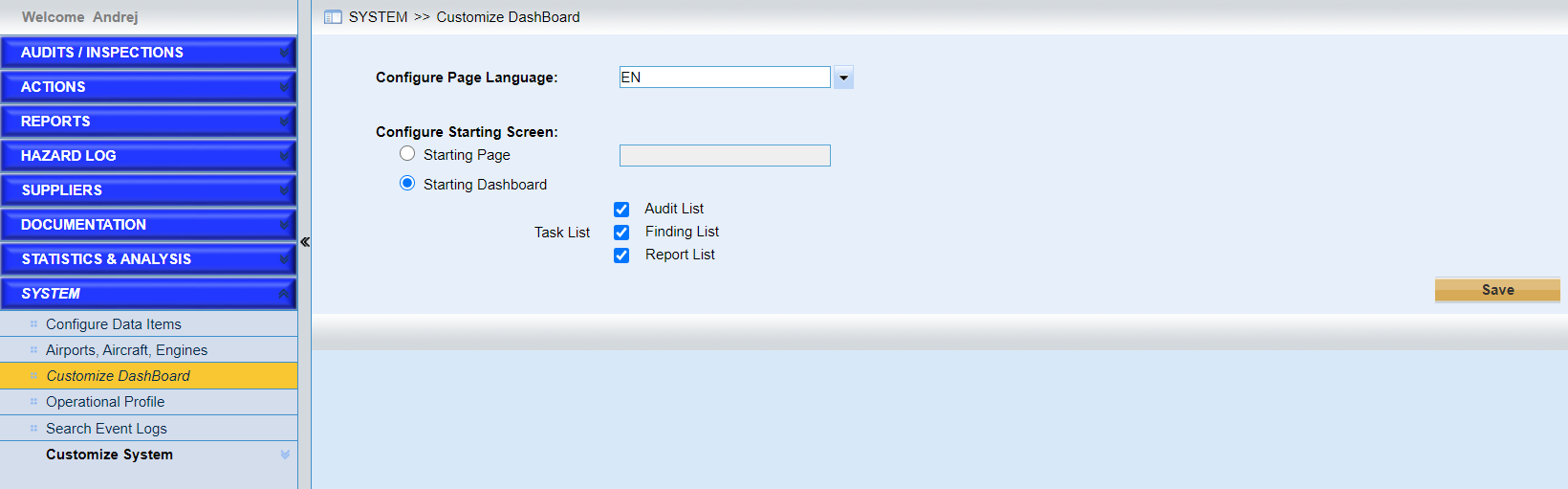
Configurations in this page are available for the current user and the other users won’t be affected. As the screen above shows, users can
•Configure the preferred language.
•Configure the starting page.
➢Configure the starting page.
Click the button “Starting Page” to choose the pre-defined screens. As the following screen shows.
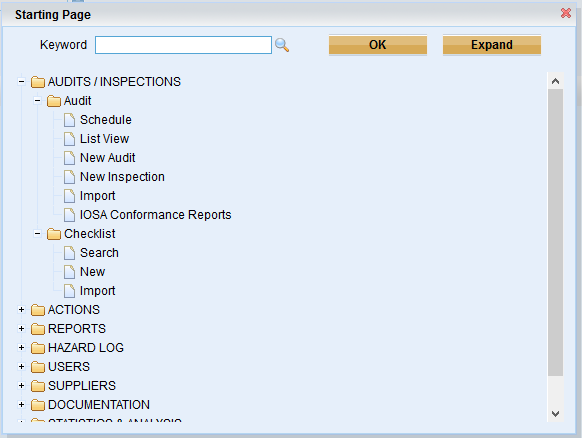
Next time when user login the system, the page configured will be displayed.
➢Or you can configure starting dashboard
Tick the checkbox to determine the lists displayed.
•Click the button “Save” to save the customized dashboard.