Click the link “Search Event Logs” in the left navigation menu and the following screen will be displayed.
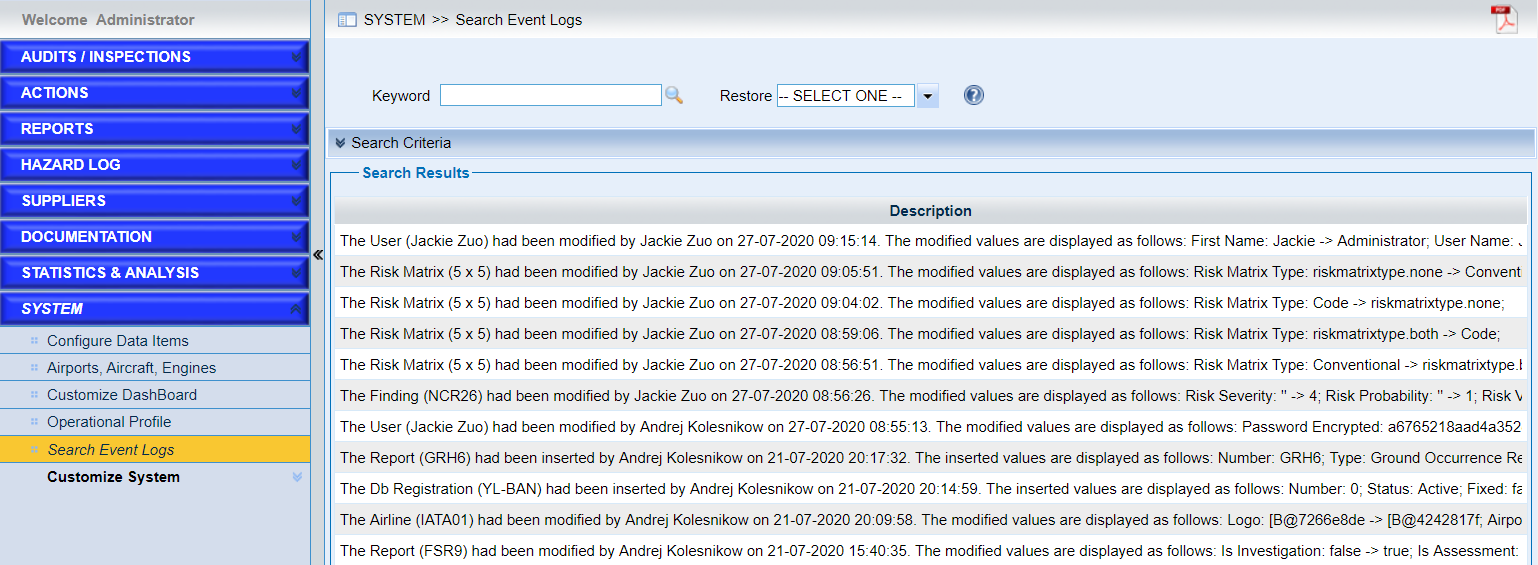
The event logs contains the detailed information of users including login, adding, update or deletion of records in the system.
•Quick search with keyword.
•Search with conditions in “Search Criteria”.
•View the results in “Search Results”.
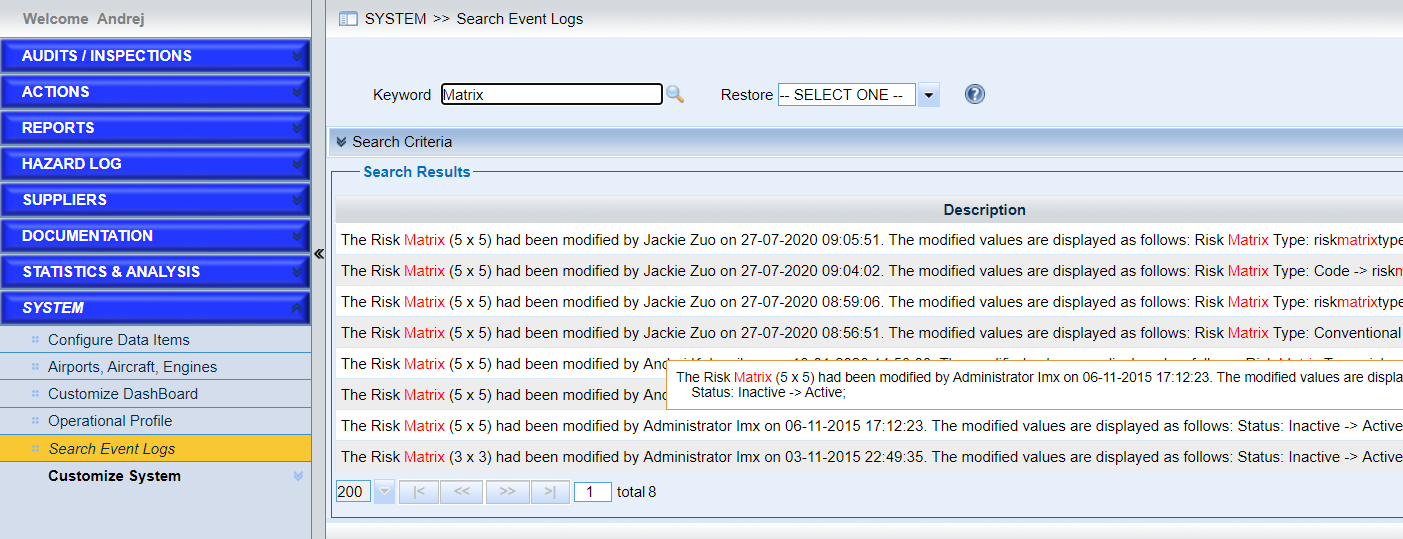
Keywords will be highlighted in red color in the search results list. When the mouse hovers over the description, the whole content of the description will be displayed. As the following screen shows,