Click the link “Configure Notifications” under “Customize System” in the left navigation menu and the following screen will be displayed.
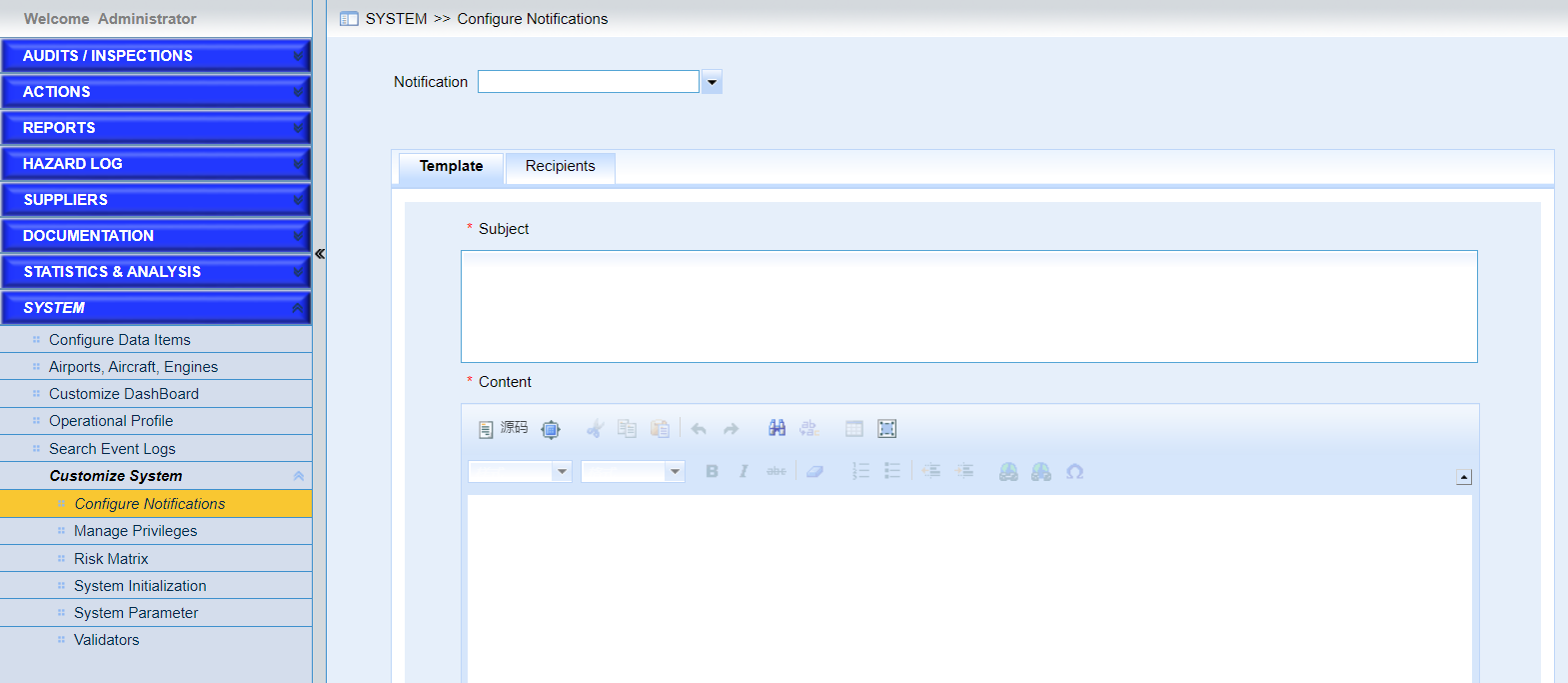
Privileged users can configure the email templates, rules and recipients in the system. As the following screen shows.

•Choose one operation in the dropdown list “Notification”,Here “New Report“ is taken as an example.
•Customize the templates
Users can customize the email subject and contents. IMX system enables users to configure the style of the email.
•Configure rules.
This tab is only available for notifications when users update records in IMX system.
Specify the fields and notifications will be sent when changed.
•Configure recipients
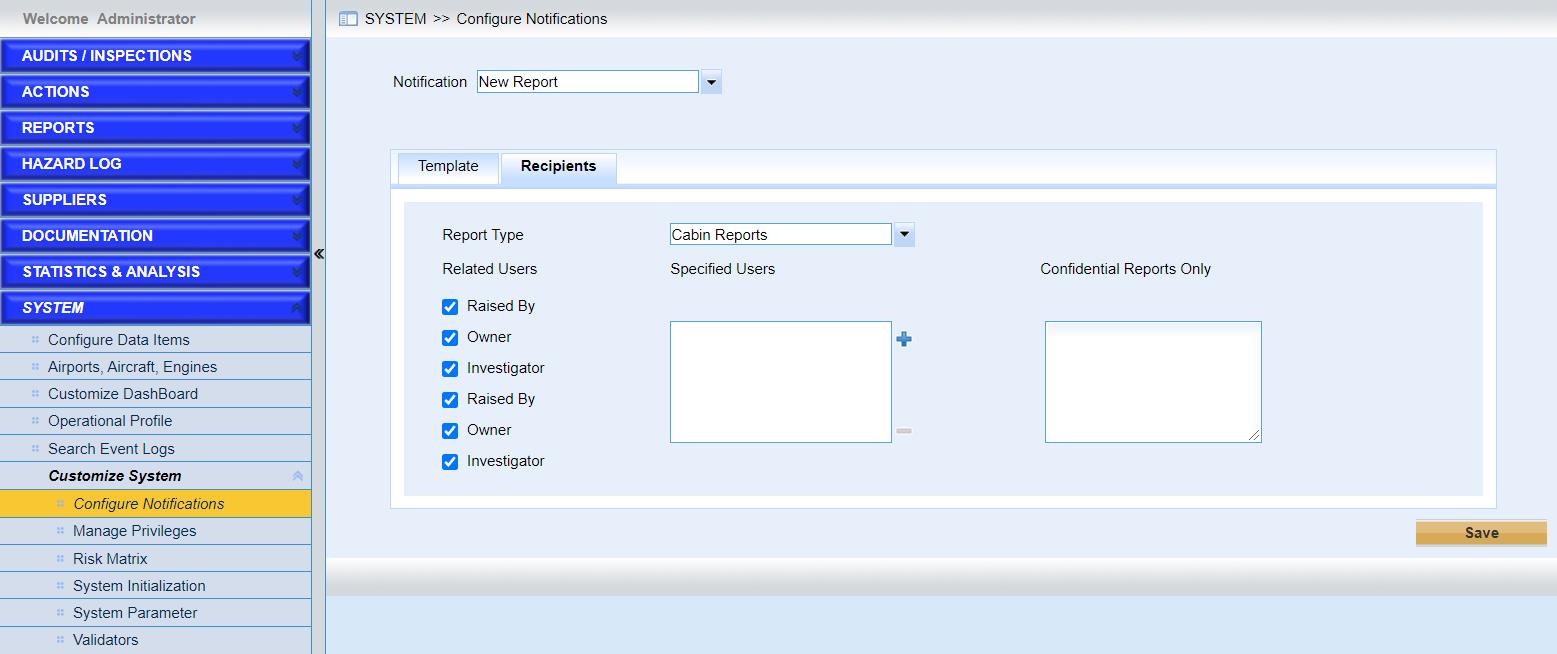
The system provides some related users to receive the emails by default. And User can configure the recipients of “Specified Users” and “Confidential Reports Only” for each kind of report.