Click the link “Operational Profile” in the left navigation menu and the following screen will be displayed.
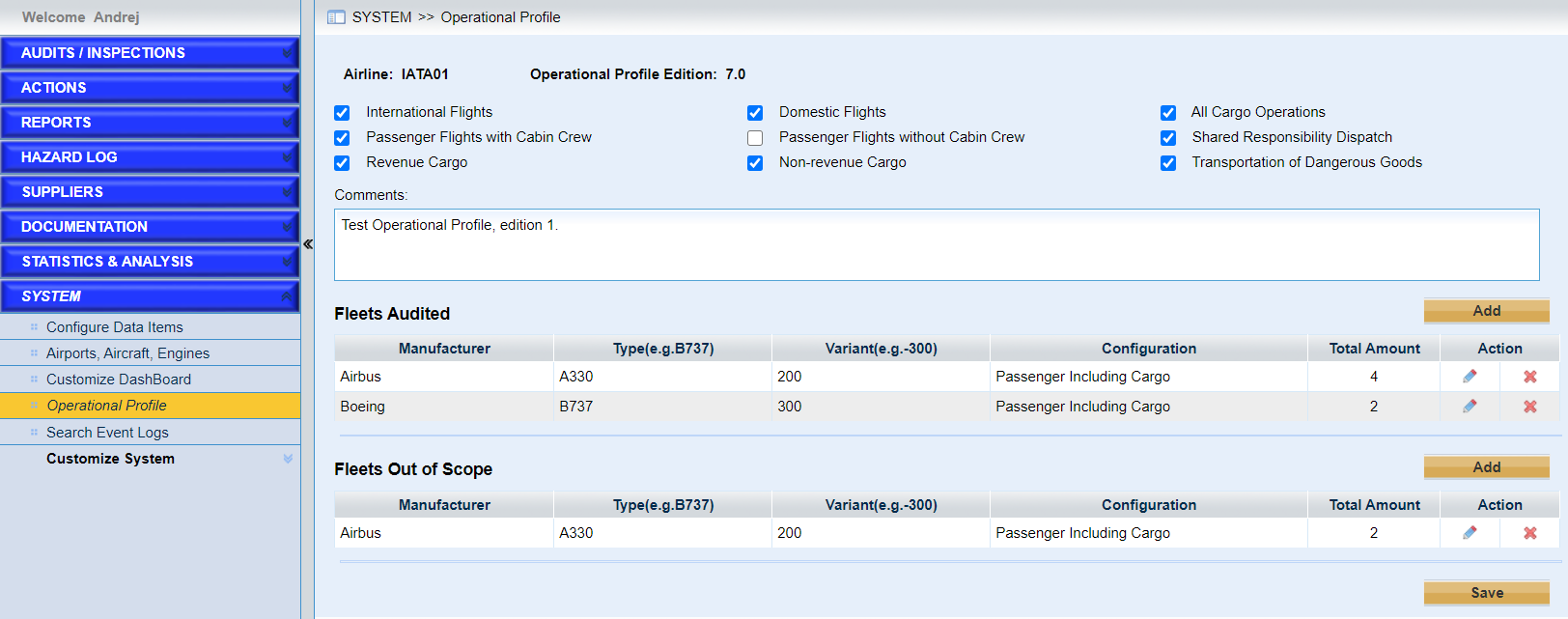
“Operational Profile” is configured for the page “IOSA Conformance Reports”.
As the screen above shows,
•Configure the operation type of the airline.
•Configure the fleets audited and fleets out of scope.
➢Click the button “Add” to add one fleet.
➢Click the icon  to modify one of the items in the list.
➢Click the icon  to delete one of the items in the list.
•Click the button “Save” to save the configuration.