Click the “Add Item” button to add items, as the following screen shows,
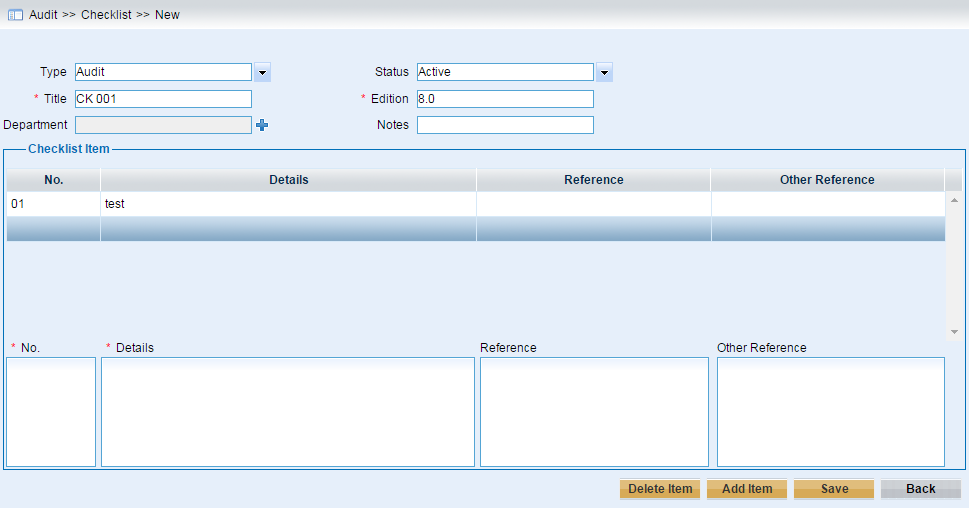
➢Input the No, Details required, and optional Reference
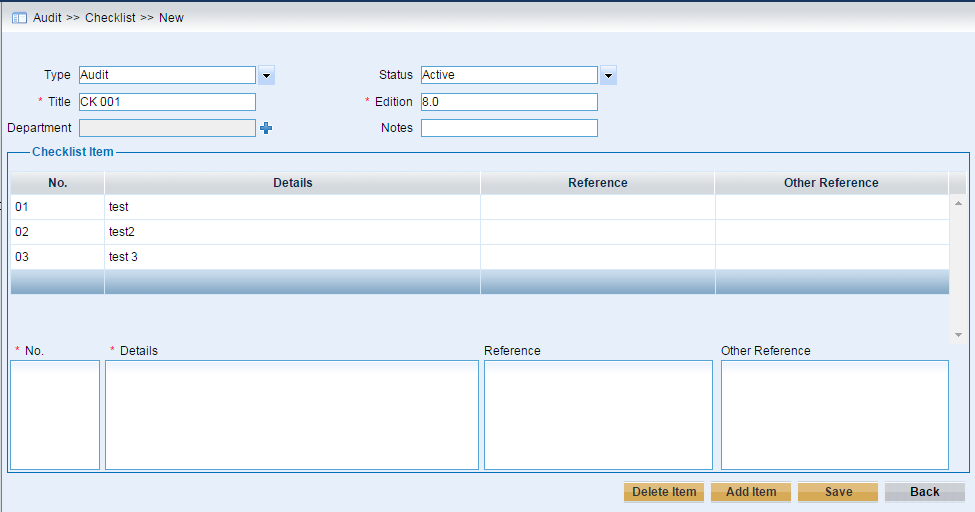
➢Click “Add Item” button to add the items input. And users can add new items by clicking this button consecutively.
As the following screen shows,
➢Click “Save” button to save the items input.
After clicking this button, the new item will be added and it will be chosen, as we can see from the screen below,
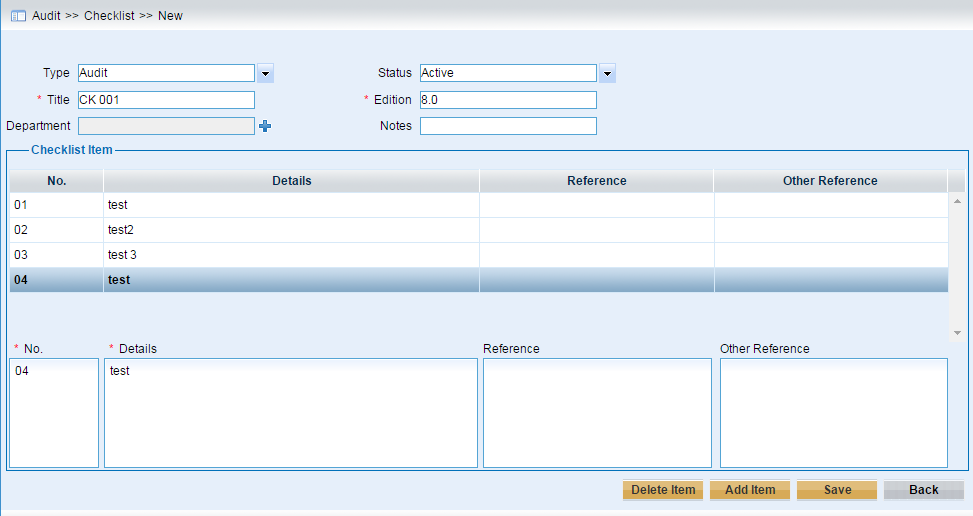
Users can click the “Add Item” to continue to add new items, or modify the chosen item and click “Save” button to save the modifications.