Click the “validators” in the left navigation and the following screen will be displayed.
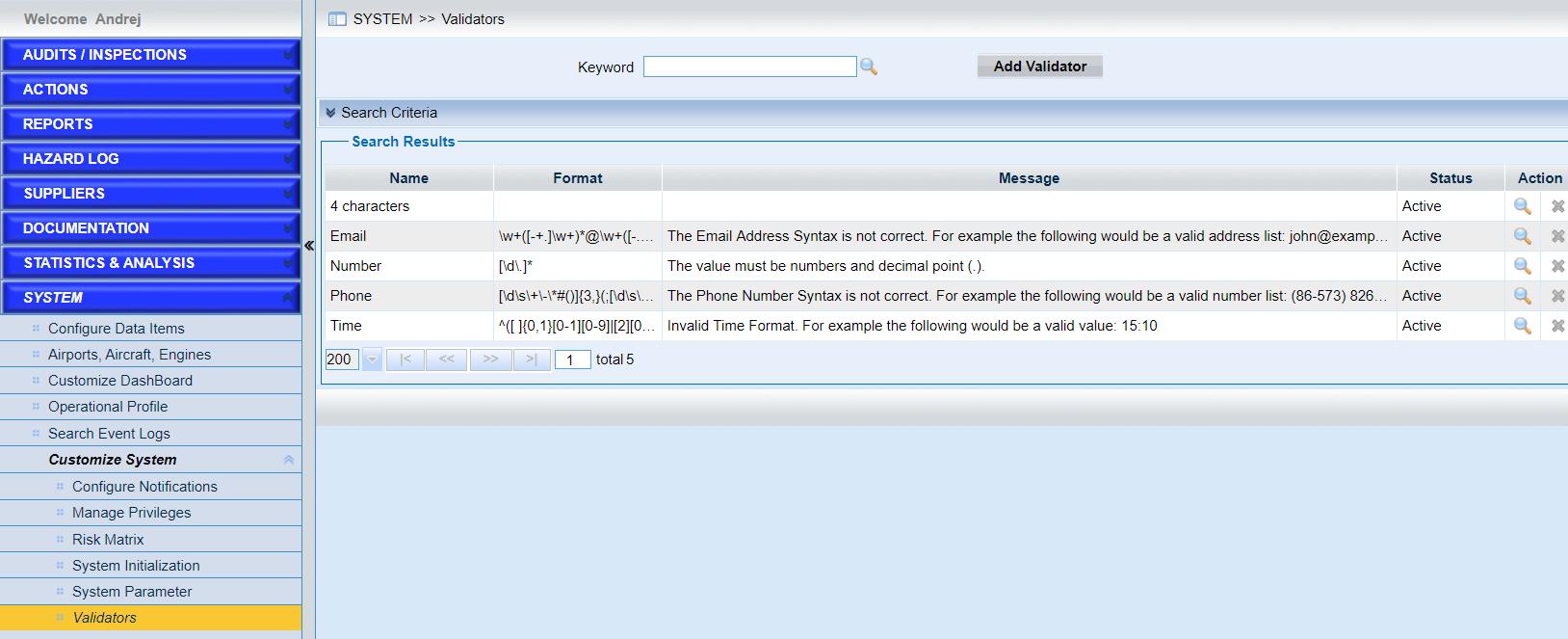
•Quick search with keywords.
Input the keyword and click the icon button  to search the records.
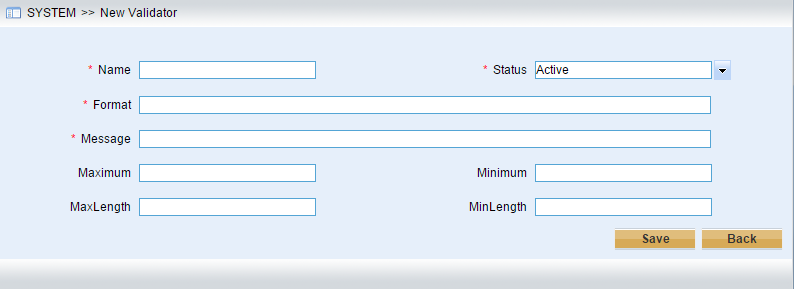
•Configure the validator.
As the screen below shows, enter the information listed.
•Click the icon to view one validator.
•Click the icon  to edit one validator.
•Click the icon  to delete one validator.