Users must first login to the IMX system in order to view and update information. As the following screen shows,
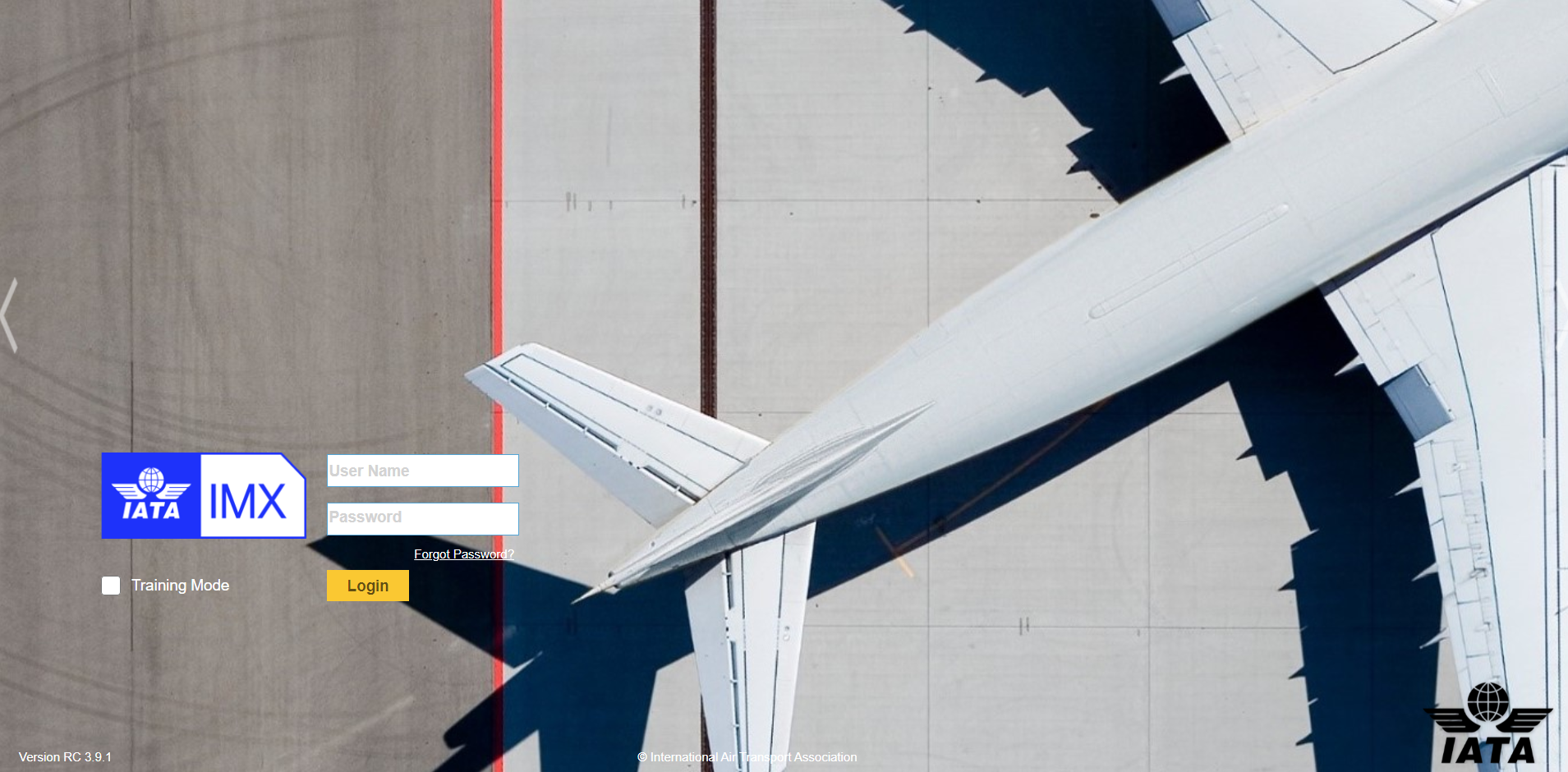
•Enter the IMX website in the web browser
•Enter the correct user account and password.
If the account or password is forgotten, please contact the administrator, or click the link ‘forgot password?’ to reset the password.
•Check the “Don’t show Advertisement” to hide the advertisements.
•The icons on the top right corner are
◆My Dashboard. The icon navigates users to the “My Dashboard” page.
◆Users. The icon navigates users to user management page.
◆Help. Users can view the user’s guide on line.
◆Logout. Click this icon to logout the system.